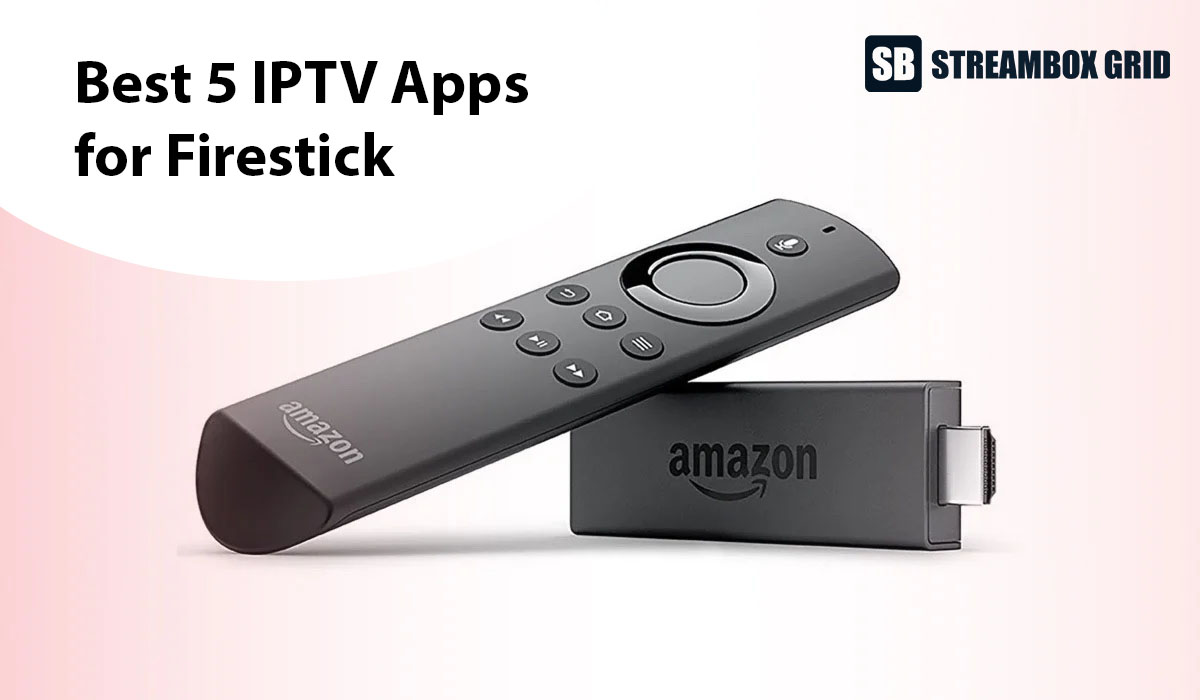
The best IPTV apps for Firestick in 2026 are TiviMate, IPTV Smarters Pro, IBO Player Pro, Hot Player and StelloTV Pro. I've tested all five myself on a Firestick, a Google TV box, my phone and my laptop.
You won't find these apps in the Amazon Appstore, so you install them with the free Downloader app and a short code (all codes are below). One warning first: the newest Vega OS Firesticks block sideloading, so check your model before you start.
New to IPTV? Start with IBO Player Pro or Hot Player. Want every feature? Go with TiviMate.
The 5 best IPTV apps for Firestick at a glance
TiviMate and StelloTV Pro have the most features, while IBO Player Pro and Hot Player are the fastest to set up. Prices are as of October 2026 and change often, so check each app's site before you pay.
App | Best for | How you log in | Catch-up | Recording | Free version or trial | Price | Downloader code |
|---|---|---|---|---|---|---|---|
TiviMate | Experienced users who want every feature | Username, password and server URL (or M3U link) | Yes | Yes | Free version: live TV only | $9.99/year | 272483 |
IPTV Smarters Pro | Experienced users who want a familiar app | Username, password and server URL (or M3U link) | Yes | Not in my testing | Free version: live TV only | $9.99/year | 6234188, 444752 or 6468112 |
IBO Player Pro | Beginners who want the easiest setup | MAC address and device key, activated by your provider | No | No | 7-day full trial | $5.99/year | 481220 |
Hot Player | Beginners who want a nicer interface | MAC address, activated by your provider | Yes | No | 1-month free trial | $7.99/year | 395800 |
StelloTV Pro | StelloTV subscribers | Username and password only | Yes | Yes | Free with a StelloTV subscription | Included | 7969129 |
Before you start: check that your Firestick can install IPTV apps
Three new Firestick models run Amazon's Vega OS, which blocks sideloading and the Downloader app completely. On these, none of the apps in this guide can be installed. This is the biggest mistake I see beginners make right now: they buy the newest Firestick without checking first.
Firestick model | Operating system | Can you install IPTV apps? |
|---|---|---|
Fire TV Stick 4K Max | Fire OS | Yes |
Fire TV Stick 4K Plus | Fire OS | Yes |
Fire TV Stick Lite and older 4K models | Fire OS | Yes |
Fire TV Stick HD, 1st gen (Wi-Fi 5, square corners) | Fire OS | Yes |
Fire TV Cube and TVs with Fire TV built in | Fire OS | Yes |
Fire TV Stick 4K Select | Vega OS | No |
Fire TV Stick HD, 2nd gen (Wi-Fi 6, rounded corners) | Vega OS | No |
Fire TV Stick 4K, 3rd gen (white box, "4K" next to the HDMI plug) | Vega OS | No |
To check a Firestick you already own, go to Settings > My Fire TV > About and look at the software version. If it says "Fire OS", you're good. If it just says "OS" and the number starts with 1, it's a Vega OS device (source: AFTVnews).
Already bought a Vega OS stick? If it's still under its one-year warranty, I'd return it and ask for a refund. Then either buy one of the Fire OS models above or switch to a Google TV box. I run the same apps on my Onn Google TV box and honestly didn't notice much difference compared with my Firestick.
How I tested these IPTV apps
I installed every app on this list myself and used it with my own IPTV subscription. My main device was a Firestick, and I also ran the apps on an Onn Google TV box, my phone and my laptop to see how they held up across devices.
I judged each app on four things that matter most when you're actually watching:
User interface: is it easy to find channels, movies and the TV guide with a remote?
Playlist loading speed: how quickly do channels and the guide appear after you log in?
Buffering and black screens: does the app read the provider's playlist cleanly, without cutting out mid-show?
Features: catch-up, recording, EPG (TV guide) support, and how much you have to type to get set up.
The device made less difference than I expected. What mattered more was a strong, stable internet connection to the device itself.
The 5 best IPTV apps for Firestick, reviewed
1. TiviMate: best overall for features
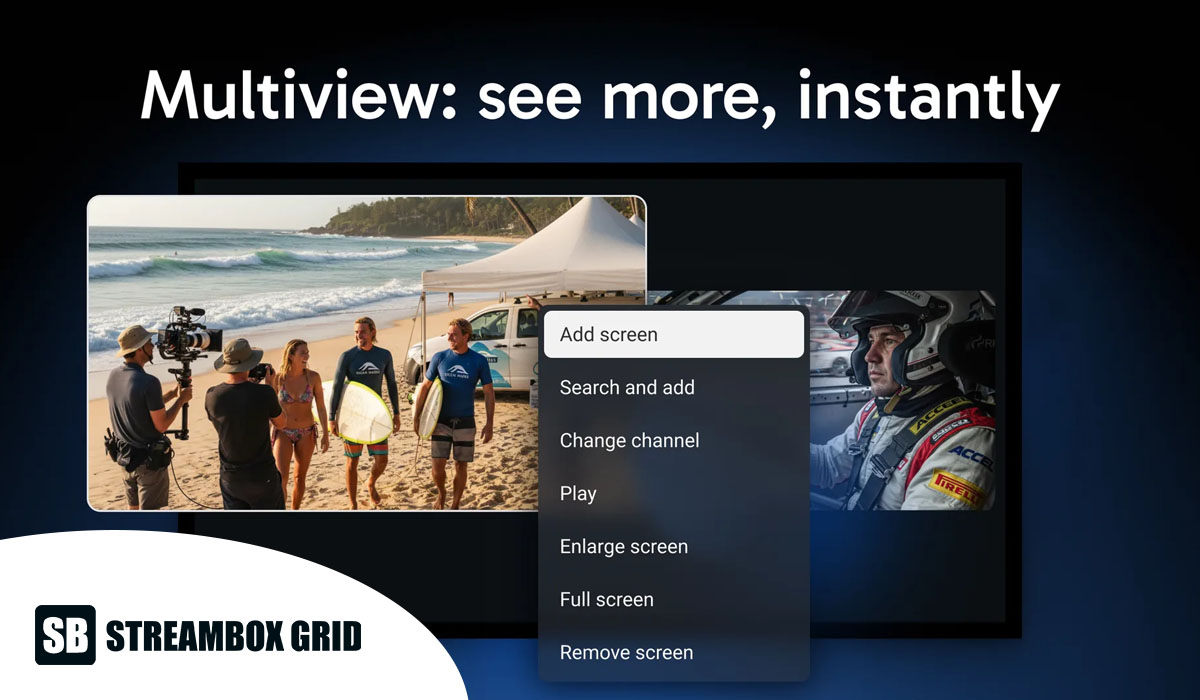
TiviMate is the app I'd pick if you want everything. It has a clean, fast interface, a full TV guide, catch-up, and the feature that sets it apart from most of this list: recording. You can record live channels and save shows to watch later.
The free version only gives you live TV. To unlock catch-up, recording and the rest, you need Premium at $9.99 a year, which I paid for and think is worth it. You log in with your provider's username, password and server URL, so setup takes a few minutes longer than the MAC-based apps below.
Best for: experienced users who want every feature
Price: free (live TV only) or $9.99/year
Downloader code: 272483
2. IPTV Smarters Pro: best familiar all-rounder
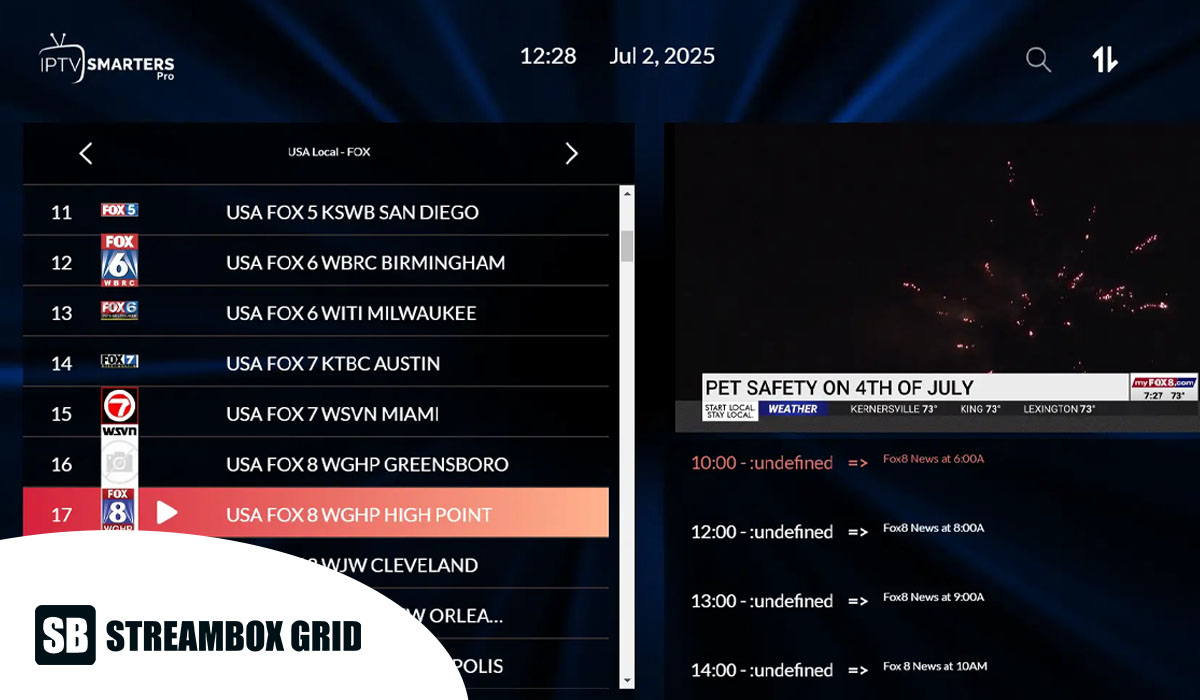
IPTV Smarters Pro is one of the best-known IPTV apps, and its interface is just as easy to use as TiviMate's. It supports catch-up, and like TiviMate, the free version is limited to live TV. Movies, series and the extra features need the $9.99/year upgrade.
The downside I hit: Smarters sometimes doesn't refresh your account properly. I've had to clear its cache, or delete my account in the app and log in again, to get channels playing. It's an easy fix once you know it (see the troubleshooting section below), but it's the main reason TiviMate ranks above it for me.
Best for: experienced users who want a well-known app
Price: free (live TV only) or $9.99/year
Downloader codes: 6234188, 444752 or 6468112 (try the next one if a code doesn't work)
3. IBO Player Pro: easiest to set up
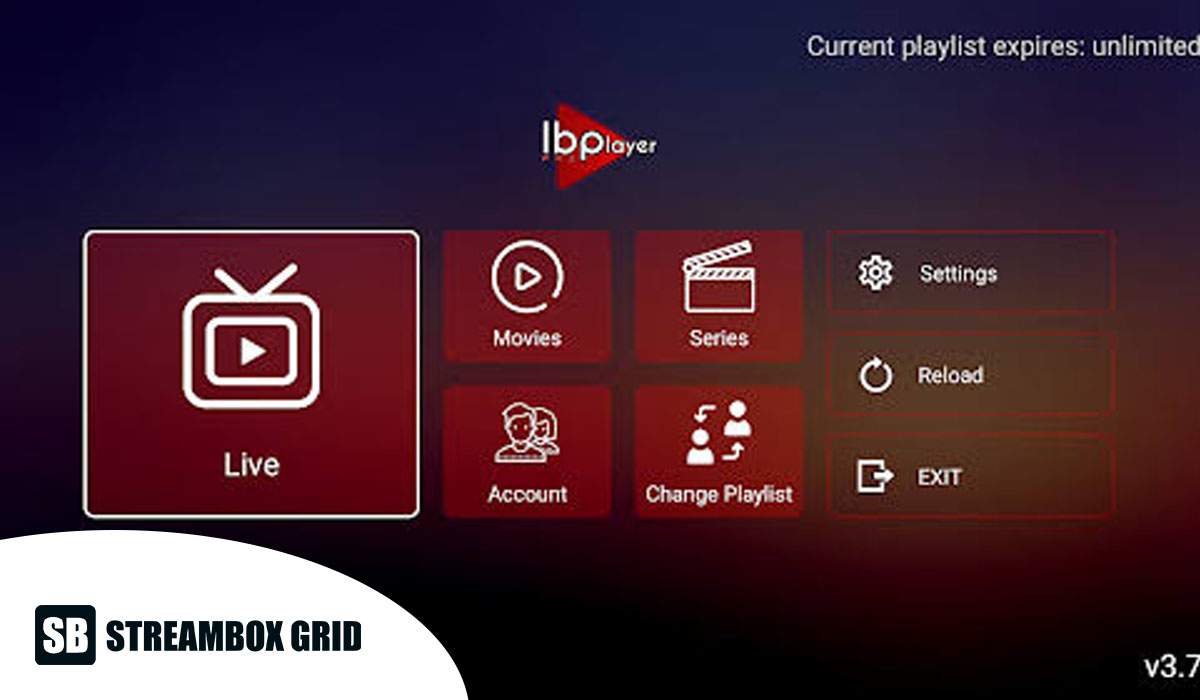
IBO Player Pro has a simpler interface than TiviMate or Smarters, but setup is the easiest on this list. When you open the app, it shows a MAC address and device key. You send those to your IPTV provider, and they activate your playlist for you. In my experience, I was watching within five minutes.
Compare that with typing a username, password and long server URL using a TV remote, which can easily take ten minutes. The playlist also loads quickly, and the TV guide works well. What's missing: there's no catch-up and no recording.
Best for: beginners who want the quickest setup
Price: 7-day free trial with full access, then $5.99/year
Downloader code: 481220
4. Hot Player: easy setup with a nicer interface
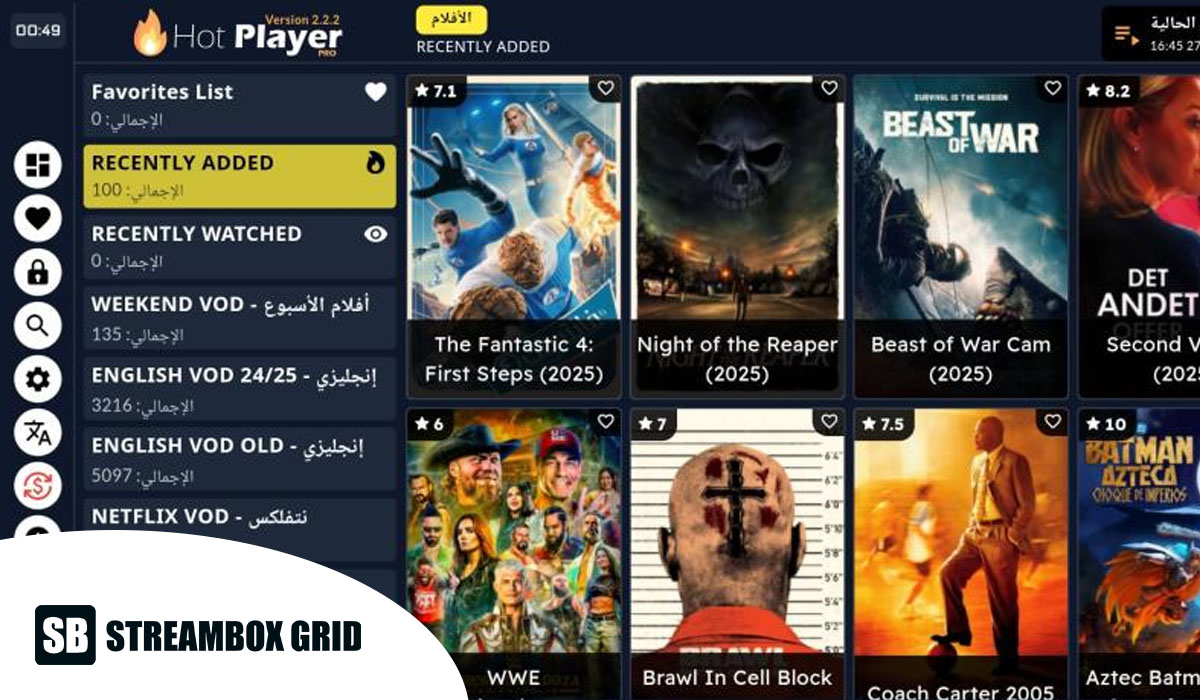
Hot Player works the same way as IBO Player Pro: you give your provider the MAC address shown in the app, and they activate your playlist in a few minutes. The difference is a better-looking interface, plus catch-up support. It still isn't as polished as TiviMate, and there's no recording.
Playlists loaded fast for me with no buffering. It's a newer app, but it's quickly getting popular, and the one-month free trial is the most generous on this list.
Best for: beginners who want simple setup and a nicer look
Price: 1-month free trial, then $7.99/year
Downloader code: 395800
5. StelloTV Pro: best for StelloTV subscribers
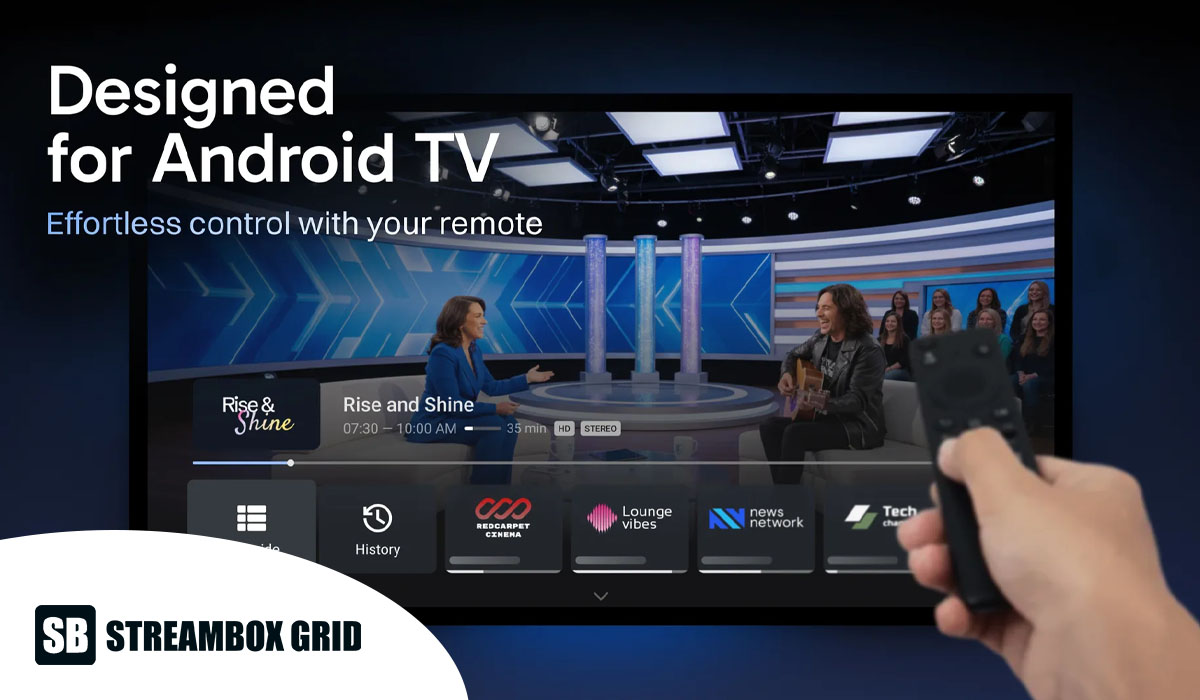
StelloTV Pro feels almost identical to TiviMate. It has a great interface, a full TV guide, catch-up and recording. What makes it different is that it's built to work with the StelloTV.com service. You only enter your username and password: no server URL, no M3U link. I was logged in immediately.
The catch is that it only works if you have a StelloTV subscription, and it's only available through Downloader. If your TV can't run Downloader (a Samsung smart TV, for example), you can't install it there.
Best for: people who already subscribe to StelloTV
Price: free with a StelloTV subscription
Downloader code: 7969129
How to install IPTV apps on a Firestick (step by step)
Installing an IPTV app on a Firestick means sideloading it: you download it from outside the Amazon Appstore using the free Downloader app. The process is the same for every app on this list and takes about five minutes. These steps work on any Fire OS device, including the Fire TV Cube.
Step 1: Install the Downloader app
From the Firestick home screen, open Find (the magnifying glass) and search for Downloader.
Select the orange Downloader app and click Get or Download.
Step 2: Turn on Developer Options
On a brand-new Firestick, Developer Options are hidden.
Go to Settings > My Fire TV > About.
Highlight the first option (your device name, such as "Fire TV Stick 4K Max") and press the select button on your remote 7 times in a row.
A message appears saying you're now a developer.
Step 3: Allow Downloader to install apps
Go back to Settings > My Fire TV > Developer Options.
Turn ADB debugging on.
Open Install unknown apps (on some models it's called "Apps from Unknown Sources").
Find Downloader in the list and turn it on.
Your Firestick can now install apps from outside the Amazon Appstore.
Step 4: Download your IPTV app with a code
Open Downloader and allow it access to your files if asked.
Click the box that says "Enter a URL or Search Term".
Type the Downloader code for your app and click Go:
TiviMate: 272483
IPTV Smarters Pro: 6234188 (backups: 444752 or 6468112)
IBO Player Pro: 481220
Hot Player: 395800
StelloTV Pro: 7969129
Wait for the download to finish, then click Install.
Click Done, then delete the installation file when Downloader asks. This frees up storage on your Firestick.
Step 5: Open the app and log in
You'll find your new app under Settings > Applications > Manage Installed Applications, or in Your Apps & Channels on the home screen. Open it and connect your IPTV subscription, as explained in the next section.
How to connect your IPTV playlist
An IPTV app is just a player: it has no channels until you connect a subscription from your provider. The five apps use three different login methods, and the method you prefer is a good way to choose between them.
Login method | Apps | What you enter | Time it took me |
|---|---|---|---|
Xtream Codes login | TiviMate, IPTV Smarters Pro | Username, password and server URL from your provider | About 10 minutes with a TV remote |
MAC address activation | IBO Player Pro, Hot Player | Nothing: you send the MAC address (and device key) shown in the app to your provider | Under 5 minutes |
Username and password only | StelloTV Pro | Your StelloTV username and password | Instant |
If you go with TiviMate or Smarters, ask your provider for the server URL before you start. That's the one detail beginners usually don't have ready.
What to do when an IPTV app stops working: two real fixes
In my experience, most "my IPTV isn't working" problems on a Firestick come from the app holding on to old data, not from the provider. Here are two times it happened to me.
Case 1: IPTV Smarters Pro didn't notice my renewed subscription
I had a three-month subscription that worked perfectly in IPTV Smarters Pro. When it ran out, I waited about a week before renewing. After renewing, nothing played. I was convinced the provider had taken my money without renewing anything, and I spent about an hour going back and forth with their support team.
They proved the subscription was active and suggested the problem was the app. They told me to clear the app's cache, or uninstall and reinstall it, then log in again with the same details. As soon as I did, everything worked. Smarters simply hadn't refreshed my account after the renewal.
Case 2: A black screen in StelloTV Pro
Another time, StelloTV Pro went to a black screen in the middle of a show. Support gave me the same fix: clear the cache and log back in with my username and password. It was working again in a couple of minutes.
The fix: clear the app's cache on your Firestick
Go to Settings > Applications > Manage Installed Applications.
Select your IPTV app.
Click Force stop, then Clear cache.
Open the app again. If it still won't play, go back and choose Clear data (this logs you out), then enter your login details again.
Still stuck? Uninstall the app, reinstall it with its Downloader code, and log in again.
Try these steps before you contact your provider. It could save you the hour I lost.
Common beginner mistakes to avoid
Buying the newest Firestick without checking. Vega OS models can't run Downloader, so none of these apps will install. Check the table above before you buy.
Blaming the device for buffering. I saw very little performance difference between my Firestick and my Google TV box. A weak connection, or a device with a faulty Wi-Fi chip that shows full signal but performs badly, causes far more buffering. Put your device close to the router, or use a wired connection if you can.
Contacting the provider before clearing the cache. As my Smarters story shows, a quick cache clear or re-login fixes most black screens and "expired" errors.
Picking a complicated app for your first setup. Typing a long server URL with a TV remote is slow and easy to get wrong. If you're new, start with an app that uses MAC address activation.
Which IPTV app should you choose?
If you're a beginner, start with IBO Player Pro or Hot Player. You enter almost nothing: your provider activates the playlist from your MAC address, and you can be watching in under five minutes. Hot Player has the nicer interface and a longer free trial. IBO Player Pro is the cheapest at $5.99 a year.
If you're experienced, go with TiviMate, or IPTV Smarters Pro if you already know it. You'll need your username, password and server URL from your provider, but you get the most features in return. TiviMate is the only one of the two with recording, and in my testing it was the more reliable.
If you subscribe to StelloTV, use StelloTV Pro. It has TiviMate-level features with the simplest login of all.
Are IPTV apps legal?
Yes. IPTV apps like TiviMate and IBO Player Pro are legal because they're only video players: they don't host or sell any channels. Whether your viewing is legal depends on your IPTV provider and whether it has the rights to the channels it streams. Choose a licensed provider, and be wary of services that offer thousands of premium channels for almost nothing.
FAQ: IPTV apps for Firestick
What is the best IPTV app for Firestick?
TiviMate is the best overall, thanks to its interface, catch-up and recording. For beginners, IBO Player Pro and Hot Player are easier because your provider activates them for you.
Can I get IPTV apps from the Amazon Appstore?
Not the apps on this list. You install them with the free Downloader app, which is in the Amazon Appstore, and a Downloader code for each app.
Why can't I find Downloader or Developer Options on my new Firestick?
Your Firestick probably runs Vega OS. The Fire TV Stick 4K Select, the 2nd-gen Fire TV Stick HD and the 3rd-gen Fire TV Stick 4K can't sideload apps at all. Return it if you can, or switch to a Fire OS model or a Google TV box.
Is there a free IPTV app for Firestick?
TiviMate and IPTV Smarters Pro have free versions, but they're limited to live TV. IBO Player Pro offers a 7-day full trial and Hot Player a 1-month trial. You still need a subscription from an IPTV provider for any of them to show channels.
How do I sideload an IPTV app onto a Fire TV device?
Turn on Developer Options, allow Downloader to install unknown apps, then type the app's Downloader code and click Install. The full steps are in the install section above.
Why does my IPTV app show a black screen?
Usually the app is holding old account data. Clear its cache under Settings > Applications > Manage Installed Applications, then log in again. That fixed it for me in both IPTV Smarters Pro and StelloTV Pro.
Final thoughts
Any of these five IPTV apps for Firestick will give you a better experience than a basic player. Pick based on how much setup you want to do: MAC activation (IBO Player Pro, Hot Player) if you want it done in minutes, or TiviMate if you want every feature. Most importantly, confirm your Firestick runs Fire OS before you start, and clear the app's cache first whenever something stops working.
Which IPTV app do you use on your Firestick? Tell me in the comments.
Disclosure: I'm a paying StelloTV customer and recommend StelloTV Pro based on my own use. I wasn't paid to include any app in this list.
Sources

Written by
Dana Reyes
Dana has spent six years untangling streaming hardware, from set-top boxes to the router behind them. She writes the setup guides she wishes she had.
Discussion (0)
Loading comments…