Quick answer: the best IPTV for TiviMate right now is Stello TV. I've used it with TiviMate for over two years, after testing six to ten providers over five years, including Golden OTT, Dino and Strong 8K. Three things put it ahead: its huge playlist still loads fast in TiviMate, its EPG stays up to date, and it doesn't buffer during live sports like the Champions League or NFL. Plans start at $39.99 for 3 months, with a 24-hour free trial.
For the smoothest setup, pair it with a Google TV device and TiviMate Premium. Below I answer the questions I get asked most: which device to buy, how to manage playlists, whether free players are enough, and whether Stello TV beats what you already have.
How I tested: 5 years, 6 to 10 providers
I found IPTV by accident. Five years ago, a group of us were at a friend's house trying to watch a game, and he showed us the IPTV service he was paying for. It cost a fraction of cable, and the picture was great. I went home, did my own research, and signed up.
Since then I've used between six and ten providers and several player apps, with TiviMate as my main one. Along the way I built one habit I recommend to everyone: never commit to a long plan with a provider you haven't tested. I always buy the shortest plan first, watch through at least one big live event, and only then renew for longer. A provider can look fine on a quiet Tuesday and fall apart on match night.
Why Stello TV is the best IPTV for TiviMate
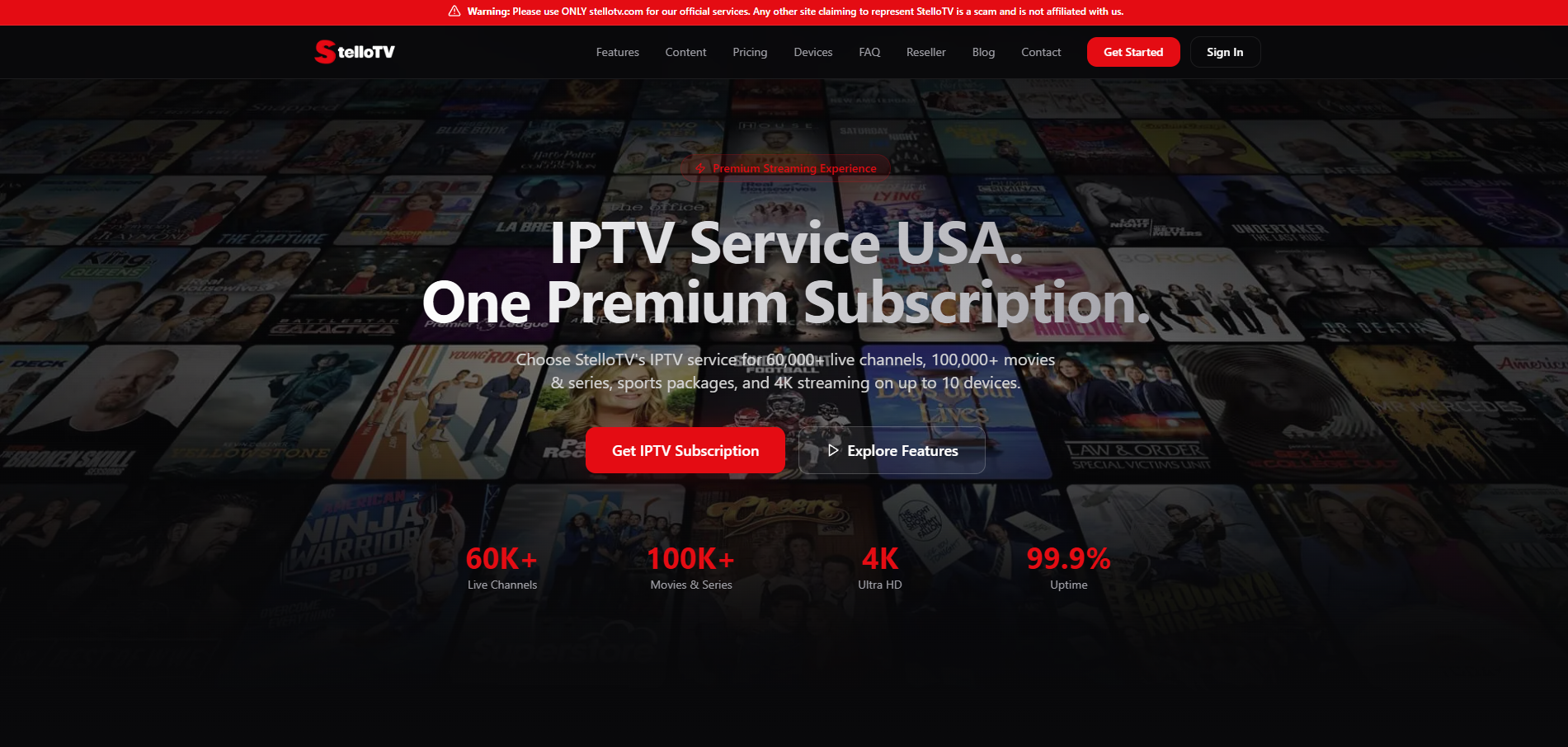
I've been with Stello TV for over two years, longer than any provider before it. These are the reasons I stayed.
The playlist loads fast. Stello TV's channel list is huge, yet it loads quickly in TiviMate. Big playlists from other providers often made TiviMate crawl during updates.
The EPG is up to date. The TV guide matches what's actually on, which matters because TiviMate's guide is one of its best features.
No buffering during live sports. I've watched Champions League nights, NFL games and the World Cup without buffering. This is where most providers I tested failed.
New content lands within 24 hours. When a new movie or series episode comes out, it's usually on the server by the next day. Other providers made me wait weeks.
Built to resist ISP throttling. Their servers are set up to deal with internet providers slowing IPTV traffic. In my experience, that means I don't need a VPN for smooth playback. It isn't a privacy tool, though; if privacy matters to you, a VPN on your own device is still the way to get it.
It also simply fits TiviMate well. Channel logos, categories and the guide all display cleanly, so the app feels as polished as a paid streaming service.
Stello TV plans, prices and support
Stello TV has three plans, and the longer ones cost much less per month.
Plan | Length | Price | Cost per month |
|---|---|---|---|
Basic | 3 months | $39.99 | about $13.33 |
Standard | 6 months | $69.99 | about $11.67 |
Premium | 12 months | $99.99 | about $8.33 |
My advice: start with the 24-hour free trial, then buy the Basic plan. It's the least money for the shortest time, which is exactly how you should test any provider. Once you're happy, move to the Standard or Premium plan for the better monthly price. I use the longer plans myself.
Two more things stood out compared with other providers I've used:
Up to 10 connections at once. Many providers cap you at five or fewer, so this is ideal for a household with several TVs and phones.
Support that actually picks up. You can reach them on WhatsApp, live chat on their website, or SMS, and they'll even call you back to fix a problem live. My issues have always been fixed within 24 hours, and one was fixed in minutes (more on that below).
Golden OTT vs Dino vs Strong 8K vs Stello TV
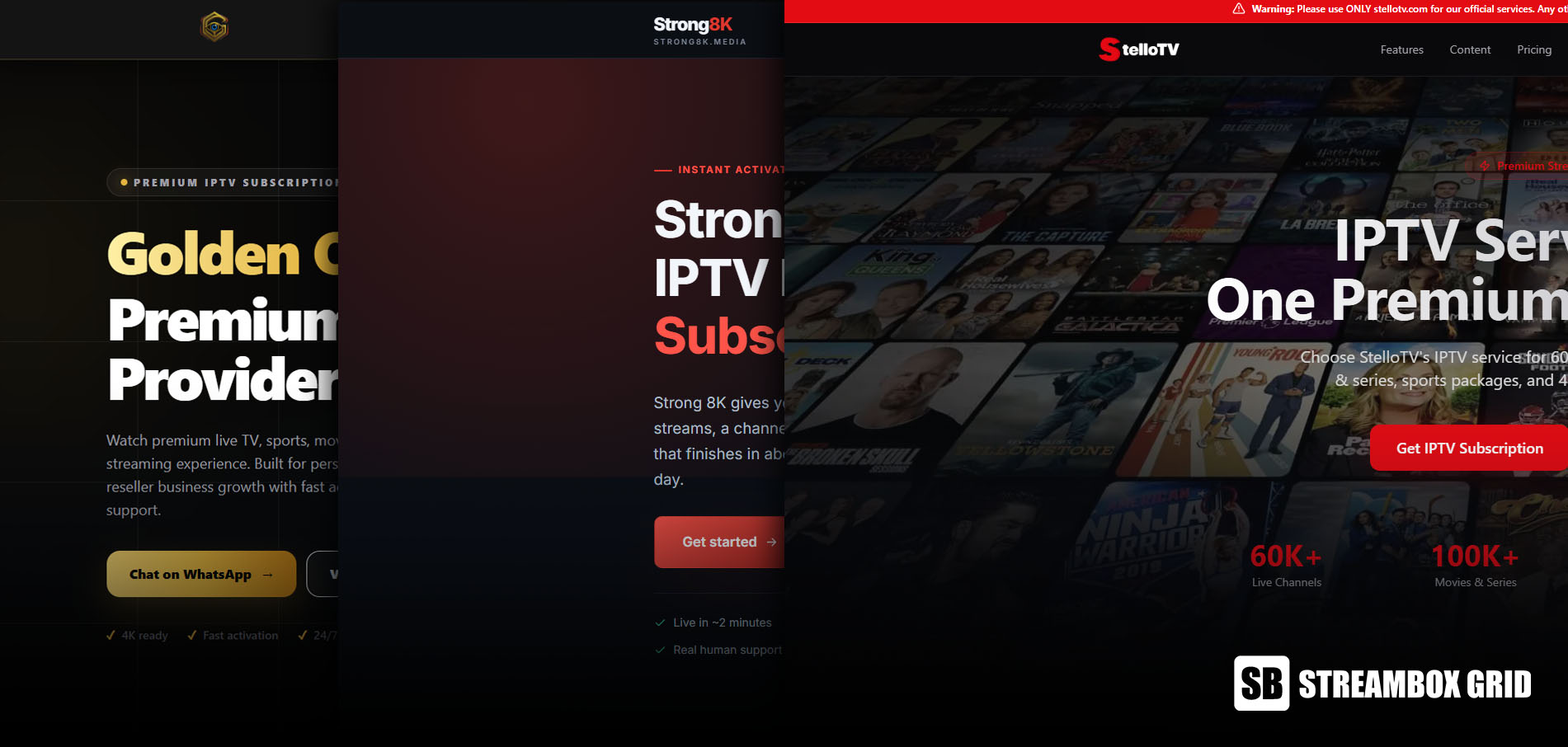
If you're on Golden OTT or Dino and wondering whether Strong 8K is an upgrade: from my experience, it isn't the one to switch to. I've used all three, and each had a problem that eventually pushed me away.
Provider | How long I used it | What went wrong | My verdict |
|---|---|---|---|
Golden OTT (Magnum) | 3 months | A series season I asked for was promised within a week and still wasn't added weeks later. Occasional buffering. Price was suspiciously cheap. | Fine for casual viewing, slow to update |
Dino | About 6 months | Good for 3 months, then heavy buffering and outages during big events like NFL games. | Unreliable when it matters most |
Strong 8K | Several months | Decent overall, but buffering from ISP throttling with no fix offered, and slow to add new releases. Costs more than Golden OTT or Dino. | Not worth the higher price |
Stello TV | 2+ years (current) | Nothing serious. One IP-lock issue fixed by support in minutes. | My pick |
The pattern I noticed: very cheap providers often cut corners, and problems tend to show up after the first month or during the biggest games. That's why I test on short plans.
Should you switch? Don't cancel what you have right away. Try Stello TV's 24-hour free trial while your current plan is still running, ideally during a live game. If it's better for you, sign up when your current subscription ends.
Best device for TiviMate (that also runs Spotify)
My top pick is a Google TV device, such as the Google TV Streamer or Chromecast with Google TV. TiviMate is an Android app, so it runs natively, and you get Spotify, Netflix and every other major app from the Play Store. All the devices below run Spotify; the real question is which ones run TiviMate well.
Device | Runs TiviMate? | My take |
|---|---|---|
Google TV Streamer / Chromecast with Google TV | Yes | Best overall. Smooth, full app store, easy setup. |
Fire TV Stick 4K Max, 4K Plus, Fire TV Cube | Yes | Still good. Portable and cheap. I use one myself. |
Fire TV Stick 4K Select, Fire TV Stick HD (2026) | No | Avoid for IPTV. They run Vega OS, which blocks outside apps. |
Apple TV | No | Great device, but TiviMate isn't available. Needs a different player. |
Roku | No | Skip it. Limited apps, no outside apps, no VPN apps. |
Is the Firestick really that bad?
No, it depends on the model. The Fire Stick I carry around is a great little TiviMate box. The problem is Amazon's newer sticks. Amazon has confirmed that starting with the Fire TV Stick 4K Select, all future Fire TV Sticks run its own Vega OS, which doesn't allow installing apps from outside Amazon's store. The 2026 Fire TV Stick HD runs Vega OS too, while the 4K Max, 4K Plus and Fire TV Cube still run the older Android-based Fire OS. So if you buy a Fire Stick for TiviMate, check the model name first.
What about Apple TV?
I like the Apple TV for IPTV, but you should know one thing: the real TiviMate isn't on the App Store. It's made by AR Mobile Dev for Android devices only. Search "TiviMate" on Apple TV and you'll find lookalikes with similar names and icons from other developers. One I checked says in its own description that it isn't affiliated with TiviMate, sells a weekly subscription, and has reviews warning it may steal your login codes. Don't type your IPTV login into an app like that. On Apple TV, stick with a well-known, trusted IPTV player instead. If TiviMate specifically is what you want, get a Google TV device.
An easier way to manage playlists in TiviMate
Stop using M3U links and switch to Xtream Codes. That one change fixed the clunky copy-and-paste routine for me.
An M3U link is long and full of special characters, so one wrong character breaks it. Xtream Codes login needs just three short fields:
The server URL
Your username
Your password
In TiviMate, choose Add playlist, pick Xtream Codes, and type those in. Most providers, Stello TV included, give you Xtream details along with the M3U link, so just ask support if you don't see them. It takes me under a minute to add a playlist this way.
Xtream Codes also tends to bring in movies, series and the EPG more cleanly than a plain M3U link, so there's less to fix afterwards.
Free IPTV players vs TiviMate Premium: is the lifetime license worth it?
Yes. I started on the free version of TiviMate and tried other players like IBO Player Pro and HotPlayer, and I ended up paying for TiviMate Premium.
The free version works, but it's very limited. The deal-breaker for me was that movies and series are locked, so you only get live TV channels. Premium unlocks the features I now use every day:
Movies and series from your provider's library
Catch-up, to go back and watch shows that already aired
Recording of live channels
Multi-view, to watch several channels on one screen (great during match days)
Multiple playlists, handy if you're testing a second provider
The other players I tried did the job, but none matched TiviMate's interface. It's smooth, the guide is easy to read, and it's simple enough for people who aren't tech-savvy.
Premium is bought through the TiviMate Companion app on an Android phone, as a yearly plan or a one-time lifetime purchase. If you plan to use IPTV for more than a year or two, the lifetime option is the better value. [Add current Premium prices here.]
Real-world test: NFL night at my grandma's house
One of the best things about a Fire Stick is that you can take it anywhere. So when the family got together at my grandma's house on an NFL game day, I brought mine along, plugged it into her TV and connected it to her Wi-Fi.
I opened TiviMate, and nothing would play. Every channel showed an error. The same playlist worked perfectly at home, the game was about to start, and a room full of people was waiting on me. I was panicking.
I messaged Stello TV support, and they replied almost immediately. They told me to restart the device, and within 5 to 10 minutes everything was playing again.
Afterwards I asked what had happened. Their system locks each account to the IP address it's normally used on. When the account suddenly appeared on a new network, it was blocked. This stops people from sharing or reselling one account.
Tip if you travel with your setup: if your playlist stops working on a new network or in another country, contact support and ask for an IP reset (or IP unlock). It takes a few minutes, and it's much faster than troubleshooting on your own.
FAQ
What is the best IPTV for TiviMate? In my experience, Stello TV. It loads fast in TiviMate, keeps its EPG current, and hasn't buffered on me during live sports in over two years.
Is Strong 8K better than Golden OTT or Dino? Not enough to justify the higher price, in my experience. All three gave me buffering or slow content updates at some point.
Can I use TiviMate on Apple TV or Roku? No. TiviMate is Android-only. Watch out for copycat apps with similar names on the App Store.
Which Fire Stick works with TiviMate? The Fire TV Stick 4K Max, 4K Plus and Fire TV Cube. Avoid the Fire TV Stick 4K Select and the 2026 Fire TV Stick HD.
Is TiviMate Premium worth it? Yes. Without it, movies, series, catch-up, recording and multi-view are locked.
Is IPTV legal? TiviMate itself is a legal player app. Whether a service is legal depends on whether it has the rights to the channels it carries and on the laws where you live, so check before you subscribe.
My verdict
After five years and six to ten providers, my setup is simple: Stello TV + TiviMate Premium on a Google TV device (or an older Fire Stick you already own). Start with the 24-hour free trial, test it during a big live game, and buy the 3-month plan before committing to a year. If it holds up the way it has for me, the yearly plan at about $8.33 a month is hard to beat.
Sources

Written by
Dana Reyes
Dana has spent six years untangling streaming hardware, from set-top boxes to the router behind them. She writes the setup guides she wishes she had.
Discussion (0)
Loading comments…