Quick answer: the best IPTV in 2026
The best IPTV service for most US viewers in 2026, based on my own testing, is StelloTV. I've used 12 IPTV providers over five years, and it's the one that held up during NFL Sundays and World Cup matches without buffering. It costs $39.99 for three months (about $13 a month), comes with its own app, and its support fixed my problems within 24 hours.
If you want fully licensed live TV with no legal question marks, pick YouTube TV, Sling TV or the free Pluto TV instead. They cost more or carry fewer channels, but they're official.
How I tested these IPTV services
I'm a software developer by trade, and a friend introduced me to IPTV five years ago. Since then I've paid for and used 12 providers, mostly hunting for one that wouldn't buffer when it mattered.
My testing went beyond one TV in one living room:
Devices: Amazon Firestick, Android TV box, Apple TV, Samsung and LG smart TVs, my phone and my laptop.
Connections: home broadband, mobile data, and different speeds on each.
Locations: the US first, then the same accounts from Canada and the UK.
Players: TiviMate, IPTV Smarters Pro, IBO Player Pro, Hot Player, and providers' own apps.
One lesson shaped everything below. A bad first provider can convince you IPTV itself is broken. It isn't; it depends almost entirely on who runs the servers. A good provider is like a good mechanic: once you find one, you stop shopping around.
Disclosure: StreamBoxGrid isn't paid by, and has no affiliate deal with, any provider in this article. These are my own experiences, and you're responsible for checking what's legal where you live.
My pick: StelloTV
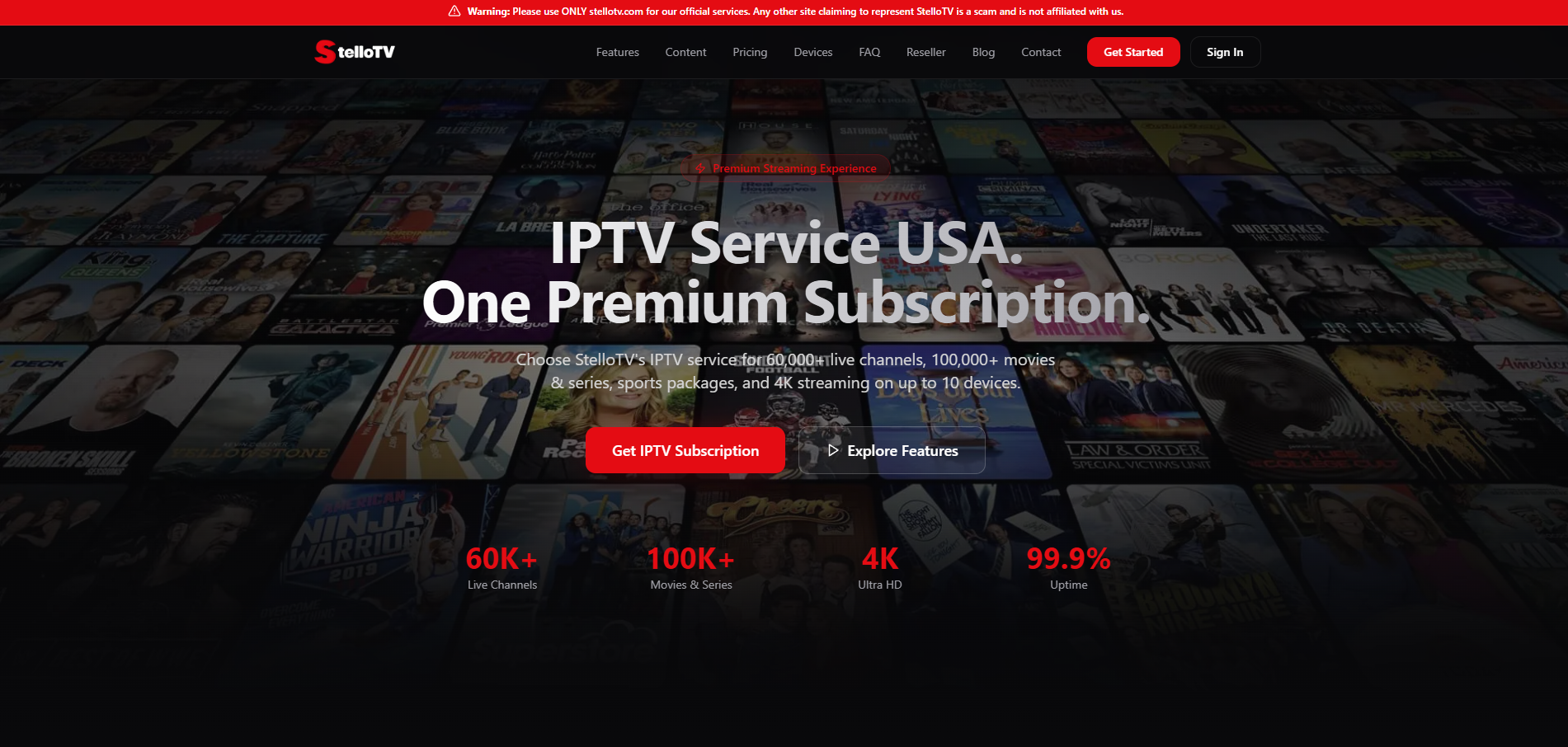
StelloTV is the provider I use today because its servers stayed stable when everyone else's buckled. I found it through a community thread, and it's the only one of my 12 that gave me no buffering during World Cup matches, NFL games and busy weekends.
What I checked | StelloTV |
|---|---|
Price | $39.99 for 3 months (about $13/month); no monthly plan |
Channels | 60,000+ worldwide on the full plan; the basic plan has fewer |
Support | 24/7 by WhatsApp, phone and live chat; my issues fixed in under 24 hours |
Account control | Client dashboard to manage your account and customize your playlist |
App | Its own free app for Firestick, Android and most devices |
Movies and series | One of the two best on-demand libraries I tested |
Two things set it apart from the rest. First, the client dashboard: you change your details and customize your playlist yourself, instead of messaging support for every small change. Second, the free in-house app, which feels a lot like TiviMate, with recording and a built-in VPN setup. With most providers you also pay for a premium player on top of your subscription.
The weak spots are minor. The TV guide isn't filled in on every channel (true of every provider I've used), and you can't buy a single month to test it, so ask for a trial first.
The IPTV providers that let me down
Most of my bad experiences came down to two things: servers that couldn't handle busy nights, and support that disappeared once I'd paid.
Xtreme HD: gone with 9 months left on my plan
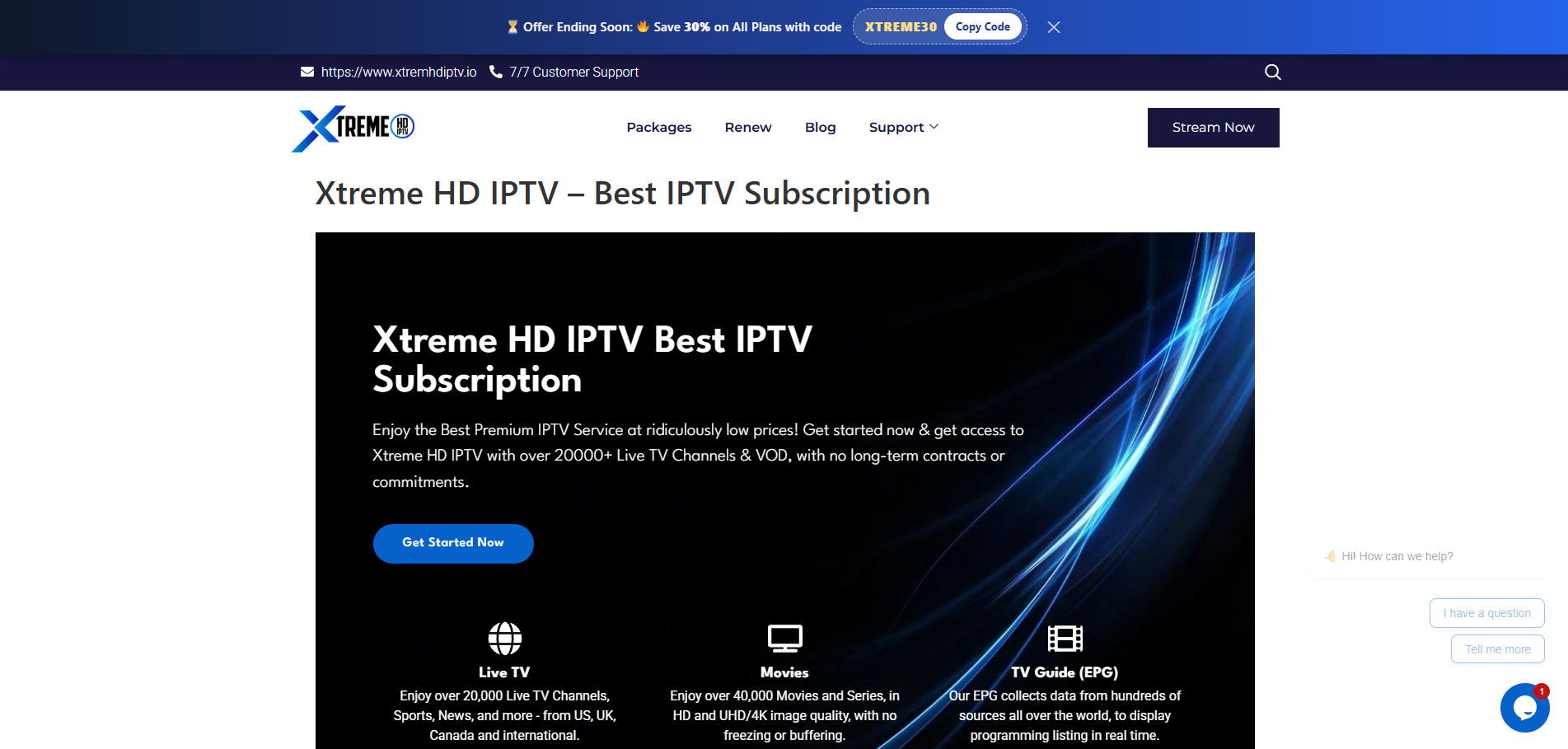
Xtreme HD was my first provider, and I bought a yearly plan. A few months in, TiviMate started saying my playlist had expired, even though I still had about nine months paid. Support never answered, WhatsApp went unreachable, and within a few weeks the website was offline too. I lost the rest of that year. Today I see copycat services using the Xtreme HD name, so be careful with anything that borrows it.
Level Up: weak servers and multi-day outages
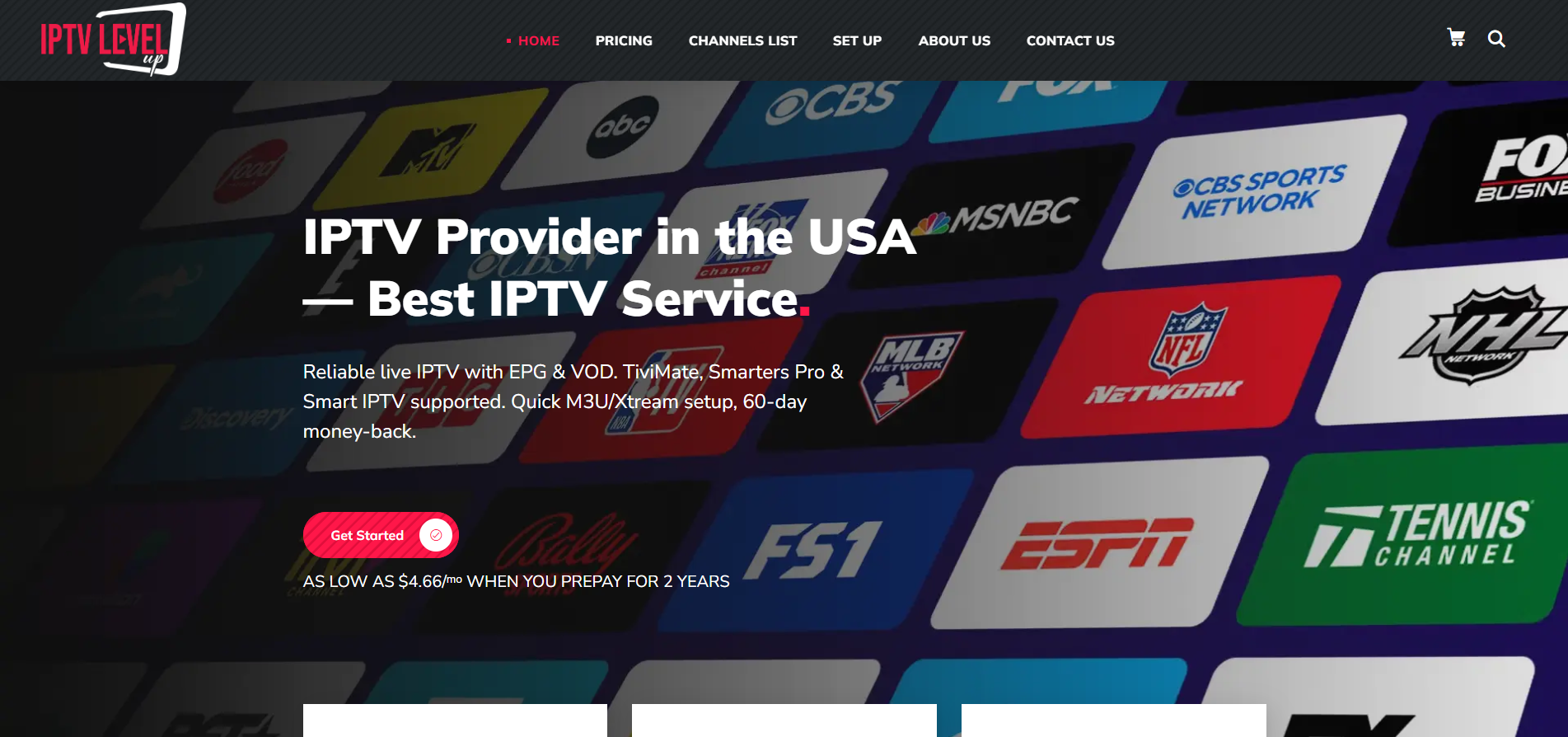
With Level Up, the server quality didn't match the price. When something broke, support took around three days to reply, which left me with three to four days of nothing to watch and no compensation for the lost time. After several rounds of the same answers, I asked for a refund and got it.
The other nine: similar servers, similar limits
I also had accounts with Apollo TV, Alakh IPTV, Flash 4K IPTV, Zyminex IPTV, Zorba IPTV, USA Live IPTV, Nigma TV, Xtreamo IPTV and Tivi Live IPTV. They felt alike, which makes me think many run on the same low-cost servers:
Most advertise 30,000+ channels, and most buffered during big matches; a few held up better than others.
Support quality varied; some were genuinely helpful.
Ordering happens over WhatsApp, and your login arrives in a chat message. Changing your password or playlist means messaging support again.
None had their own app, so for a polished experience you also pay for a premium player like TiviMate.
Movies and series were decent across the board. Zorba IPTV's on-demand library stood out, close to StelloTV's.
How to test any IPTV provider in a 24-hour trial
The one thing that matters in a trial is whether it buffers when the most people are watching. Buffering usually means the provider's servers can't handle the crowd, and you'll only see that at peak times.
Ask for a 24-hour trial before paying. A provider that won't offer one is a warning sign.
Schedule it for a weekend. You have the whole day free, and weekends are when demand peaks.
Watch a big live event. An NFL game or a Champions League match puts the most load on the servers.
Check the TV guide, but don't expect perfection. Every provider I've used has guide data on some channels and none on others. That's normal, not a deal-breaker.
If the stream stays smooth through a busy game, the provider is worth a short plan. If it stutters, move on.
How much does IPTV cost per month?
A good IPTV subscription costs about $15 to $19.99 a month, and $19.99 is the most common monthly price I've seen. Longer plans bring the monthly cost down, but only commit once a provider has proven itself.
Monthly price | What I'd expect |
|---|---|
Under $10 | Walk away. In my experience, prices this low mean overloaded servers. |
$10 to $14 | Be cautious, unless it's a multi-month plan from a provider you've already tested. |
$15 to $19.99 | Fair. At $19.99 a month, I expect a good server, and I leave if I don't get one. |
StelloTV sits in the fair zone through its plan length: $39.99 for three months works out to about $13 a month.
Compare that with cable. US households with cable or satellite pay a median of $125 a month, or about $1,500 a year, according to the 2026 doxoINSIGHTS report (ConsumerAffairs). Four StelloTV plans cost about $160 for the whole year.
Is IPTV legal in the USA?
Yes, legal IPTV exists in the US: YouTube TV, Sling TV and Pluto TV are all licensed IPTV services. The difference is licensing. Those services pay for the rights to stream each channel commercially, which is why they cost more and carry fewer channels.
None of the subscription providers I tested, StelloTV included, has shown me evidence that it holds those licenses. That's how they offer tens of thousands of channels for $13 to $20 a month. If you want zero legal question marks, choose a licensed service.
Do internet providers block IPTV?
Some do. Certain ISPs block IPTV services outright, and others throttle the traffic so streams slow down and buffer. I've had channels slowed and blocked by my own ISP, though I've never received a warning notice.
The fix most providers recommended to me was a VPN, either one they supplied or a well-known one like Surfshark or NordVPN. It solved my throttling problem. Keep in mind what a VPN does and doesn't do: it protects your privacy and stops your ISP from slowing specific traffic, but it doesn't make an unlicensed service licensed.
Best IPTV apps and devices for TV
TiviMate is the best IPTV app for TV in my experience, and a Firestick or Android TV box is the smoothest device to run it on. Here's how the four players I've used rank:
Rank | App | Best at | Weak spot |
|---|---|---|---|
1 | TiviMate | Clean layout for live TV, movies, series and guide; fast playlist loading; catch-up and recording | Android-based devices only; premium costs extra |
2 | IPTV Smarters Pro | Good interface, fast loading, lots of features | No match for TiviMate's catch-up and recording |
3 | IBO Player Pro | Easiest setup: enter the MAC address and device key on its site, or let your provider do it | Weaker interface |
4 | Hot Player | Easy MAC-address setup, fast loading, decent interface | I used it least, so I can't vouch for its long-term stability |
TiviMate Premium was listed at $9.99 a year or $33.99 for lifetime access as of September 2026 (TROYPOINT). That's the extra cost you avoid with a provider that includes its own app.
Devices: Firestick and Android TV boxes give you the most choice. Android boxes have the Google Play Store, and Firestick can install apps that aren't in its store through the Downloader app. Apple TV also worked well for me, but you're limited to players in the App Store, and TiviMate isn't one of them. Samsung and LG smart TVs work, but older models may not have these apps at all. If that's your TV, a Firestick is the cheapest fix.
Free IPTV portals, Reddit picks and fake reviews
Free IPTV portals exist, but in my experience they're not worth your time. Most buffer constantly or don't play at all, and you test dozens before one works for a while.
Reddit and other communities can help, if you read them carefully. I found StelloTV through a community thread, and that's also where I first heard about TiviMate, IPTV Smarters Pro and IBO Player Pro. StelloTV comes up in recommendations, and so does Xtreme HD, even though the original is long gone and only copycats use the name now.
The problem is that many providers promote themselves by posting as "happy customers." Before trusting a recommendation, I check two things:
Does the post push only one provider? A real user usually compares several and mentions downsides. A post that only praises one service is often an ad.
What do Trustpilot reviews say? Search the provider there and read the negative reviews, not just the star rating.
Fixing IPTV buffering on your side
Not every problem is the provider's fault, and I learned that the hard way twice. Check these before you blame anyone:
Internet speed: I've found 25 Mbps or more handles Full HD and 4K well. Below that, expect trouble.
Wired beats WiFi: an Ethernet cable is always the most stable. On WiFi, keep the Firestick or TV close to the router.
ISP throttling: if streams buffer while everything else online works fine, your ISP may be slowing IPTV traffic. A provider once recommended Surfshark to me, and the buffering stopped as soon as I connected.
The black-screen scare
One evening I turned the TV off with my VPN connected. The next day, every channel showed a black screen. I panicked, contacted the provider, and got angry when they couldn't explain it. I was sure their servers had gone down.
The fix took ten seconds: disconnect the VPN and reconnect, or switch to a different country server. Everything came back. The problem was on my end the whole time, so try that before you open a support ticket.
What I'd do differently, and who should skip IPTV
If I started over, I'd follow a plan instead of jumping between providers after a bad week:
Get a 24-hour trial and test it during a big weekend game.
Buy the shortest plan on offer, never a yearly or lifetime plan first.
Use that plan for its full length before judging the provider.
Repeat with three to five providers, then commit to the best one for your needs.
That would have saved me months of frustration and the nine months I lost with Xtreme HD.
IPTV isn't for everyone. Stick with cable or a licensed service like YouTube TV or Sling if:
You can afford it and don't want the occasional outage or bit of buffering.
You want no legal question marks at all.
Your TV is too old to install apps and you don't want to buy a streaming device. Even then, a Firestick plus an IPTV plan usually costs less than a year of cable.
My answer to a friend: if you want the most channels for the least money and you're comfortable with the trade-offs above, start with a StelloTV trial and test it on a busy game day.
IPTV FAQ
What is the number one rated IPTV?
There's no official ranking, and many "top 10" lists are paid placements. In my own testing of 12 providers, StelloTV ranked first for server stability during live sports and for fast support.
What is IPTV and how do I get it?
IPTV (Internet Protocol Television) delivers live TV over your internet connection instead of cable or satellite. You subscribe to a provider, receive your login details, and enter them in a player app like TiviMate or the provider's own app.
Which IPTV service is best in the US in 2026?
For the most channels at the lowest price, StelloTV was the best of the 12 I tested. For fully licensed service, YouTube TV and Sling TV are the main options, and Pluto TV is a free one.
What is the best legal IPTV?
YouTube TV, Sling TV and Pluto TV are licensed IPTV services in the US. They carry fewer channels than subscription providers but have no legal question marks.
How much does IPTV cost monthly?
Most good providers charge $15 to $19.99 a month, with cheaper monthly rates on longer plans. I'd avoid anything under $10 a month.
Is there a free IPTV portal available?
Yes, but in my experience free portals buffer constantly or stop working, so they're rarely worth the effort.
Are internet providers blocking IPTV?
Some ISPs block IPTV services and others throttle the traffic. A VPN usually fixes throttling.
Where is the best place to get IPTV?
Buy directly from the provider's own website after a free trial, ideally one with a client dashboard so you can manage your account yourself. Start with the shortest plan on offer.
Publishing notes (remove before posting)
Field | Value |
|---|---|
Focus keyword | best iptv |
Meta title | Best IPTV in 2026: 12 Providers Tested by a US Viewer |
Meta description | Best IPTV in 2026? After 5 years and 12 providers, here's my pick, the ones that failed, real prices, legal options and a 24-hour test. |
URL slug | /best-iptv/ |
Schema | Article + FAQPage (FAQ section above) |
The focus keyword appears in the H1, the first sentence and the FAQ.
Add a short author bio for the developer persona with a photo, since the post leans on firsthand experience.
Screenshots from your own devices (TiviMate on a Firestick, a provider dashboard, a speed test) would strengthen the firsthand claims more than any text change.

Written by
Dana Reyes
Dana has spent six years untangling streaming hardware, from set-top boxes to the router behind them. She writes the setup guides she wishes she had.
Discussion (0)
Loading comments…